The 5 Best AI Courses for Your Career Development in 2026
We ranked the five best AI courses for career development in 2026, from Coursera's certificate catalog to daily micro-learning apps,…
Read it →A log about animation, interaction, and the small tricks that make a screen feel alive instead of merely correct. It started in the Flash days and never stopped moving.
Tools change, the physics does not. A button still has to feel clickable, a menu still has to arrive without startling anyone, and easing is still the difference between polished and cheap. We write about all of it.
Why linear animation looks broken to the human eye, what easing actually is, and how to make something arrive on screen like it meant to.
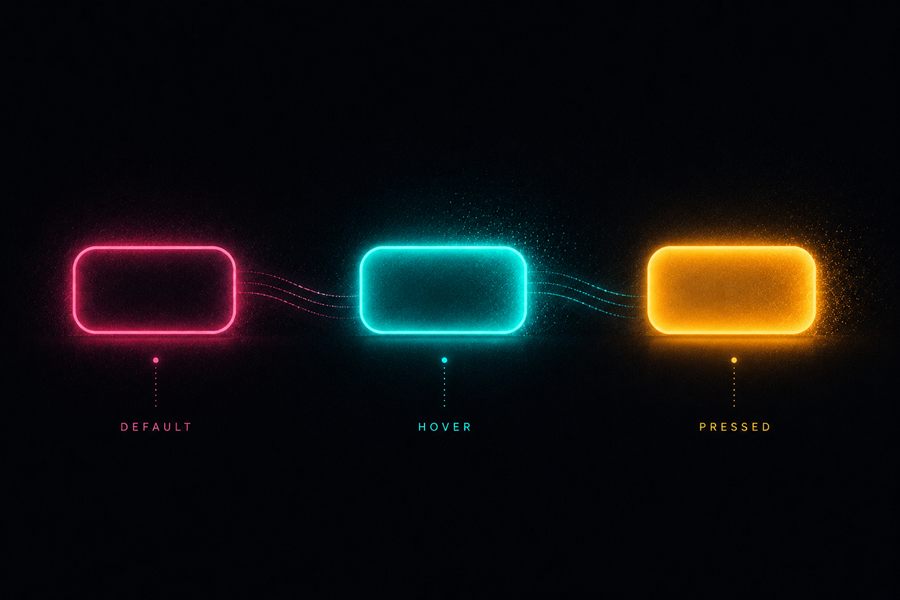
Buttons, menus, states, and feedback. The unglamorous plumbing that decides whether an interface feels responsive or dead.
Step-by-step builds, kept honest. Some are ancient ActionScript that taught a generation to code. The ideas outlived the runtime.
Old experiments, dead formats, and the occasional obituary for a technology that deserved better. History, but the useful kind.
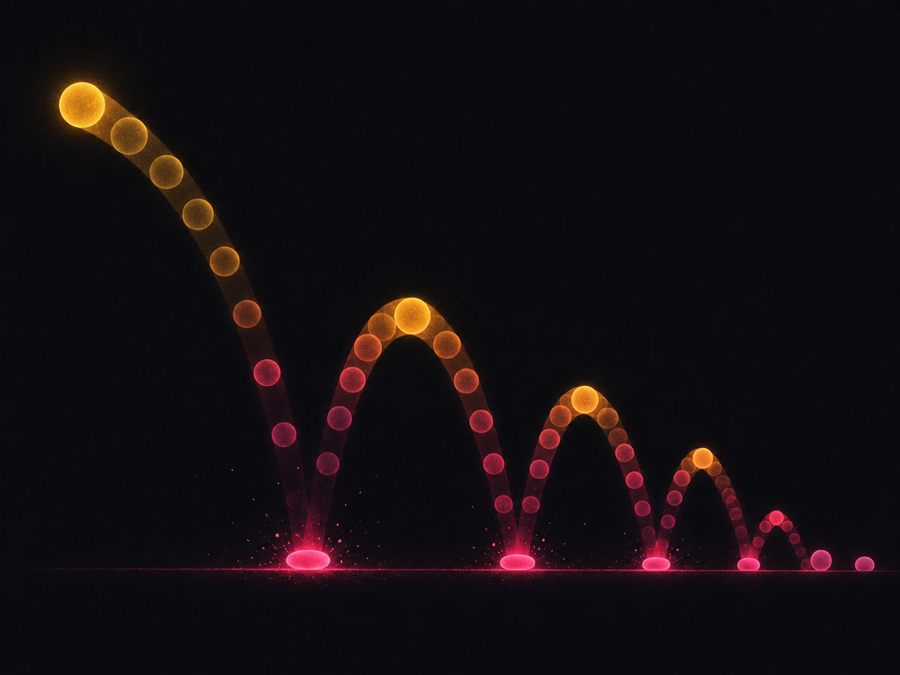
Nothing in nature moves at a constant speed, and nothing that does looks alive. The entire job is teaching a rectangle to accelerate and then think better of it.
Working code you can paste, with the timing and the gotchas that make it feel right. Begin with the pillar, then follow the effect you need.
The whole foundation: keyframes, timing functions, transforms, and why some properties animate smoothly while others stutter.
Spinners, bars, and bouncing dots in pure CSS, plus the timing that reads as working instead of frantic.
Underlines, lifts, and image zooms that feel considered, and the touchscreen trap that breaks half of them.
Reveal on scroll the modern way, native first with a fallback, without trapping your content behind the effect.
We ranked the five best AI courses for career development in 2026, from Coursera's certificate catalog to daily micro-learning apps,…
Read it →How to build a clean CSS loop with animation-iteration-count infinite, the seam problem that ruins most of them, a pulsing…
Read it →Animate SVG with plain CSS: the stroke-dashoffset draw-on effect, an animated checkmark, and why SVG animation stays crisp at any…
Read it →